








Fisher DVC6200/DVC2000 Feedback Signal Troubleshooting: 3 Common Field Problems and Solutions

Genuine Fisher FIELDVUE DVC6200 digital valve controllers in stock – ready for immediate shipment. View Product
Complete guide to diagnosing and fixing feedback signal issues in Fisher DVC6200 and DVC2000 digital valve positioners. Field-tested solutions for 4-20mA output problems.
Quick Navigation: Feedback Principle | No Signal | Reversed Signal | Signal Error | DVC2000 Calibration
1. Fisher DVC6200/DVC2000 Feedback Signal Principle
The Fisher DVC6200 and DVC2000 digital valve positioners use non-contact feedback technology based on the Hall effect. This design eliminates mechanical wear and provides reliable position sensing in harsh industrial environments.
1.1 How Non-Contact Feedback Works
The feedback system consists of two main components:
- Hall Effect Sensor: Located on the back of the positioner, detects magnetic field changes
- Magnet Strip (or Magnet Column): Mounted on the actuator, moves with the valve stem
Working Principle: As the valve moves, the magnet strip changes position relative to the Hall sensor. The sensor detects the magnetic field variation and converts it into a precise 4-20mA current signal representing valve position (0-100% open).
1.2 Feedback Signal Applications
The 4-20mA feedback signal from the DVC6200/DVC2000 is essential for:
- Valve Position Control: Real-time monitoring of valve opening percentage
- Flow Control: Correlating valve position with process flow rates
- Pressure Control: Monitoring control valve response in pressure loops
- Safety Systems: Providing position feedback for emergency shutdown verification
Critical Note: The accuracy and reliability of the feedback signal directly impacts the stability and safety of the automated control system. A faulty feedback signal can lead to process upsets, equipment damage, or safety incidents.
2. Problem 1: Valve Moves But No Feedback Signal
Symptom
The valve actuator responds to control signals and moves properly, but the DCS system shows no feedback signal (0mA or fixed value). Input current is normal (4-20mA).
2.1 Step-by-Step Diagnosis
Step 1: Check Circuit Board Switch Position
- Remove the DVC6200/DVC2000 cover
- Locate the DIP switch or jumper on the main circuit board
- Verify the switch is in the correct position for feedback output (refer to manual for your specific hardware version)
- Incorrect switch position is the most common cause of no feedback signal
Step 2: Verify Feedback Function is Enabled
HART Communicator Procedure
- Connect HART communicator to the DVC6200 loop
- Navigate to: Manual Setup → Outputs → Output Terminal Config
- Check current setting:
- If display shows “Disable” → feedback is turned off
- Change to “Enable”
- Click “Send” to download configuration to the positioner
- Wait for confirmation (usually 2-3 seconds)
- Disconnect and reconnect power to ensure setting takes effect
Step 3: Measure Feedback Current
- Connect multimeter in series with the feedback loop (mA mode)
- Command valve to 0% (4mA input) → should read 4mA feedback
- Command valve to 50% (12mA input) → should read 12mA feedback
- Command valve to 100% (20mA input) → should read 20mA feedback
Result: If feedback current now appears and follows valve position, the problem was disabled feedback function. If still no signal after enabling, proceed to Step 4.
Step 4: Check for Circuit Board Fault
- If switch position is correct and feedback is enabled, but no current output:
- Check terminal connections for corrosion or looseness
- Measure voltage at feedback terminals (should be 12-30V DC loop powered)
- If voltage is present but no current, the output circuit may be damaged
- Recommendation: Return to factory for repair or replacement
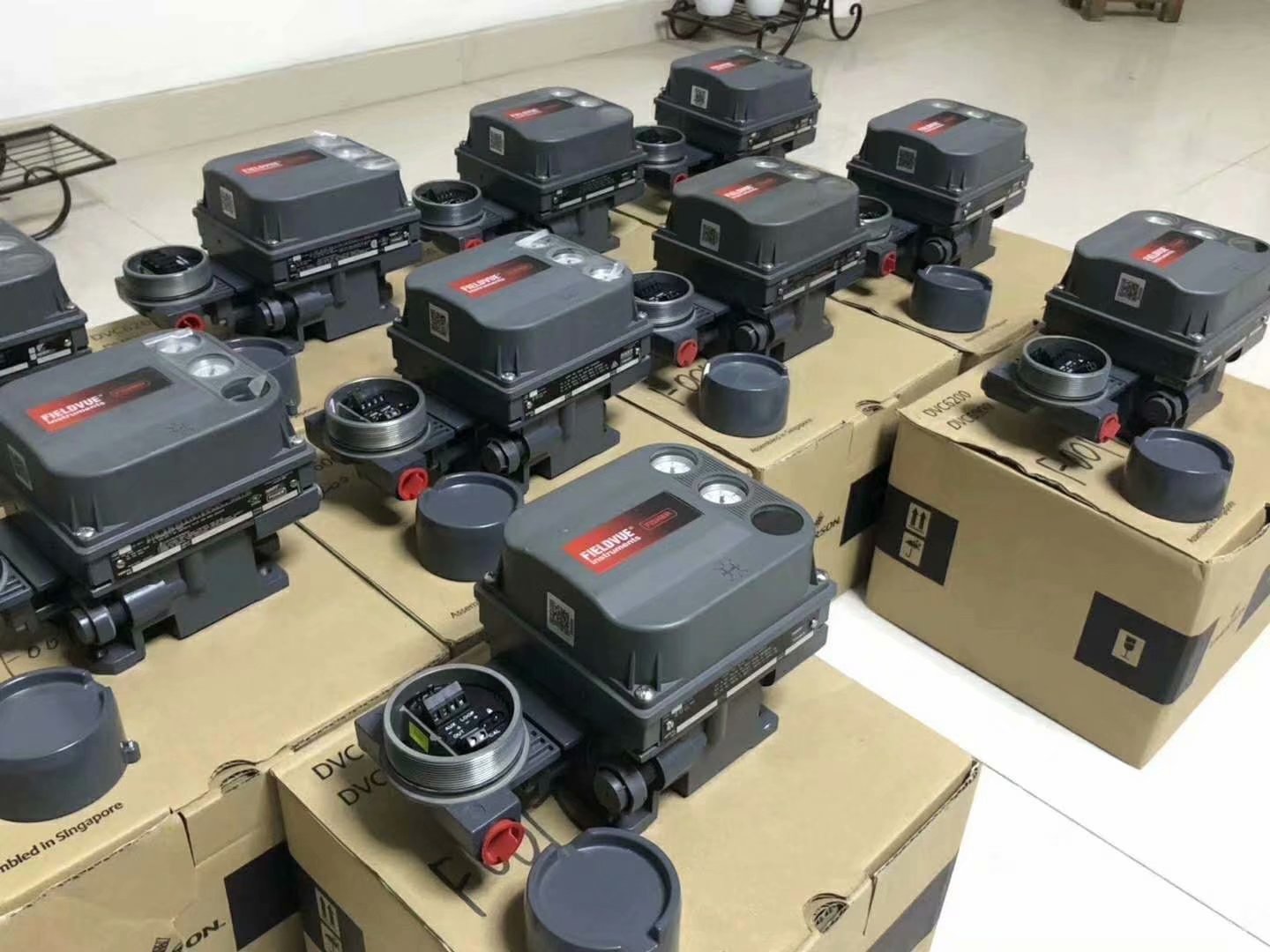
Bulk stock of genuine Fisher DVC6200 digital valve controllers available for immediate shipment. View Product
3. Problem 2: Feedback Position Opposite to Actual Valve Position
Symptom
Valve moves correctly and feedback signal is present, but the indicated position is inverted. Example: Valve is 75% open, but DCS shows 25% open (or vice versa).
3.1 Quick Verification Test
Test 1: Compare Input and Feedback Current
- Measure input current to positioner (from DCS)
- Measure feedback current from positioner (to DCS)
- If input = 12mA and feedback = 12mA, the positioner is working correctly
- The issue is likely in DCS configuration, not the field device
3.2 Solution A: Fix in DCS System (Recommended)
If input current equals feedback current, modify the DCS configuration:
- Access the valve control block in DCS
- Find the “Direct/Reverse Acting” or “Valve Action” parameter
- Change from “Direct” to “Reverse” (or vice versa)
- Download configuration and test
- No field visit required – can be done from control room
Field Engineer Tip: Always check DCS configuration first before going to the field. This saves hours of unnecessary troubleshooting and prevents process disruptions.
3.3 Solution B: Fix in DVC6200/DVC2000 Positioner
If DCS modification is not possible or the currents are truly inverted:
HART Communicator Procedure
- Connect HART communicator to the DVC6200 loop
- Navigate to: Manual Setup → Outputs → Transmitter Output
- Current setting shows valve action (Direct or Reverse)
- Change to opposite setting:
- If “Direct” → change to “Reverse”
- If “Reverse” → change to “Direct”
- Click “Send” to download configuration
- Stroke valve from 0% to 100% and verify feedback matches actual position
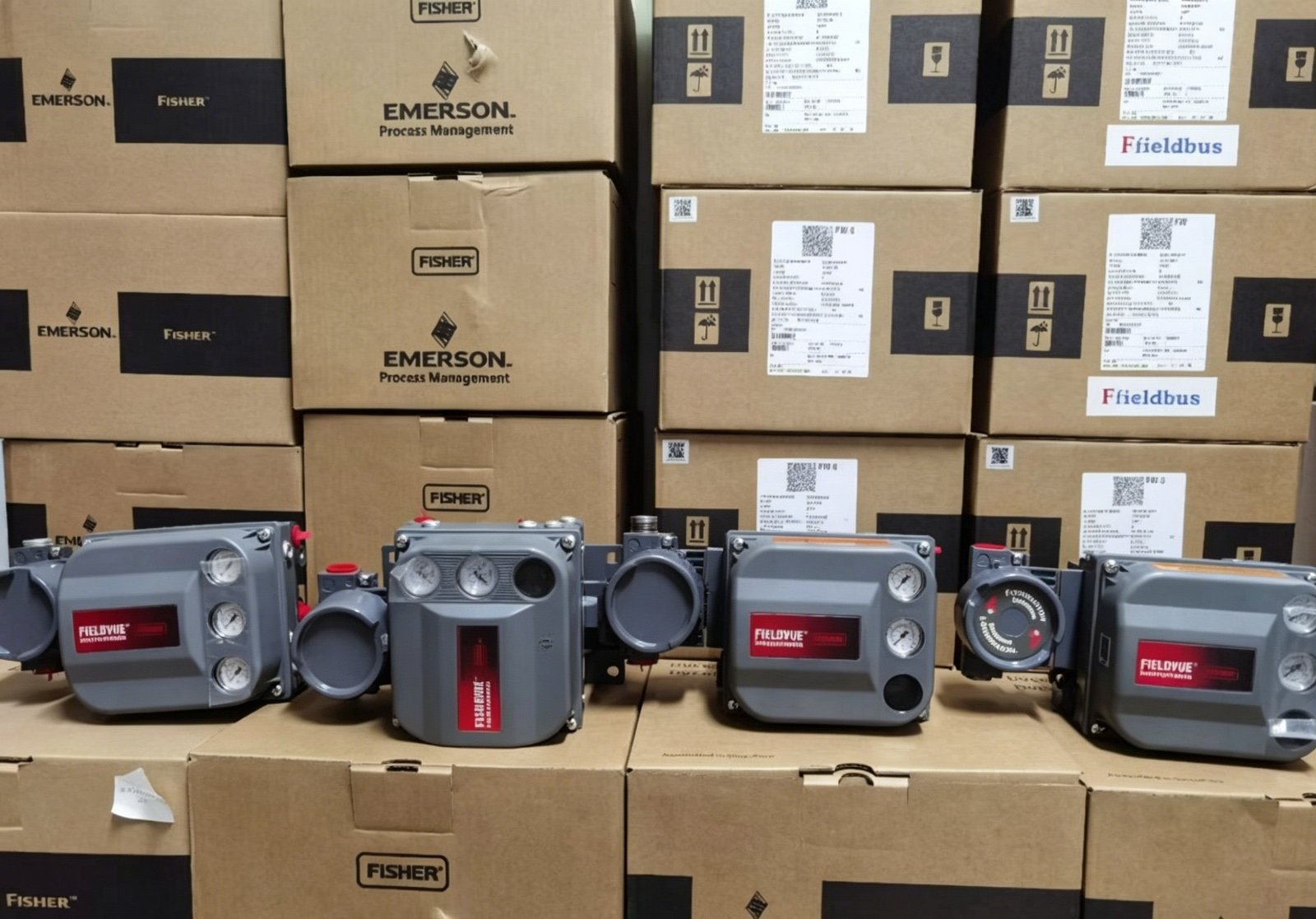
Genuine Fisher DVC6200 digital valve controllers with original Emerson packaging. View Product
4. Problem 3: Large Error Between Feedback Signal and Actual Position
Symptom
Feedback signal is present and not inverted, but shows significant deviation from actual valve position. Example: Valve is 50% open, but feedback shows 40% or 60%.
4.1 Root Cause Analysis
For DVC6200 with properly installed magnet strip, large errors typically indicate:
| Possible Cause | Probability | Check Method |
|---|---|---|
| Magnet strip misalignment | High | Visual inspection of magnet position |
| Signal interference | Medium | Check cable shielding and grounding |
| Valve/actuator mechanical issue | Medium | Check for binding, backlash, or wear |
| PID parameters need tuning | Low | Review positioner tuning parameters |
4.2 Solution Procedure
Step 1: Check Magnet Strip Installation
- Remove positioner cover
- Verify magnet strip is securely attached to actuator stem
- Check for proper alignment with Hall sensor
- Ensure no debris or corrosion between magnet and sensor
- Magnet should move parallel to sensor throughout full stroke
Step 2: Perform Auto Calibration
Calibration Procedure
- Connect HART communicator
- Navigate to: Configure → Guided Setup → Auto Calibration
- Select “Autocalibrate – Standard”
- Allow valve to stroke from 0% to 100% and back
- Wait for calibration complete message
- Verify feedback accuracy at 0%, 25%, 50%, 75%, 100%
Step 3: Adjust PID Parameters (If Needed)
- If calibration does not resolve error, check PID settings
- Navigate to: Manual Setup → Tuning
- Reduce proportional gain if valve is oscillating
- Increase integral action if response is slow
- Make small changes (10-20%) and test after each adjustment
Step 4: Check Valve Mechanical Condition
- If electronic calibration does not help, inspect valve mechanics
- Check for packing overtightening (increases friction)
- Inspect stem for scoring or corrosion
- Verify actuator bench set pressure is correct
- Check for loose linkage or worn coupling
Warning: If mechanical issues are found, do not attempt to compensate with electronic calibration. Fix the mechanical problem first, then recalibrate. Masking mechanical problems with electronic adjustments leads to premature failure.
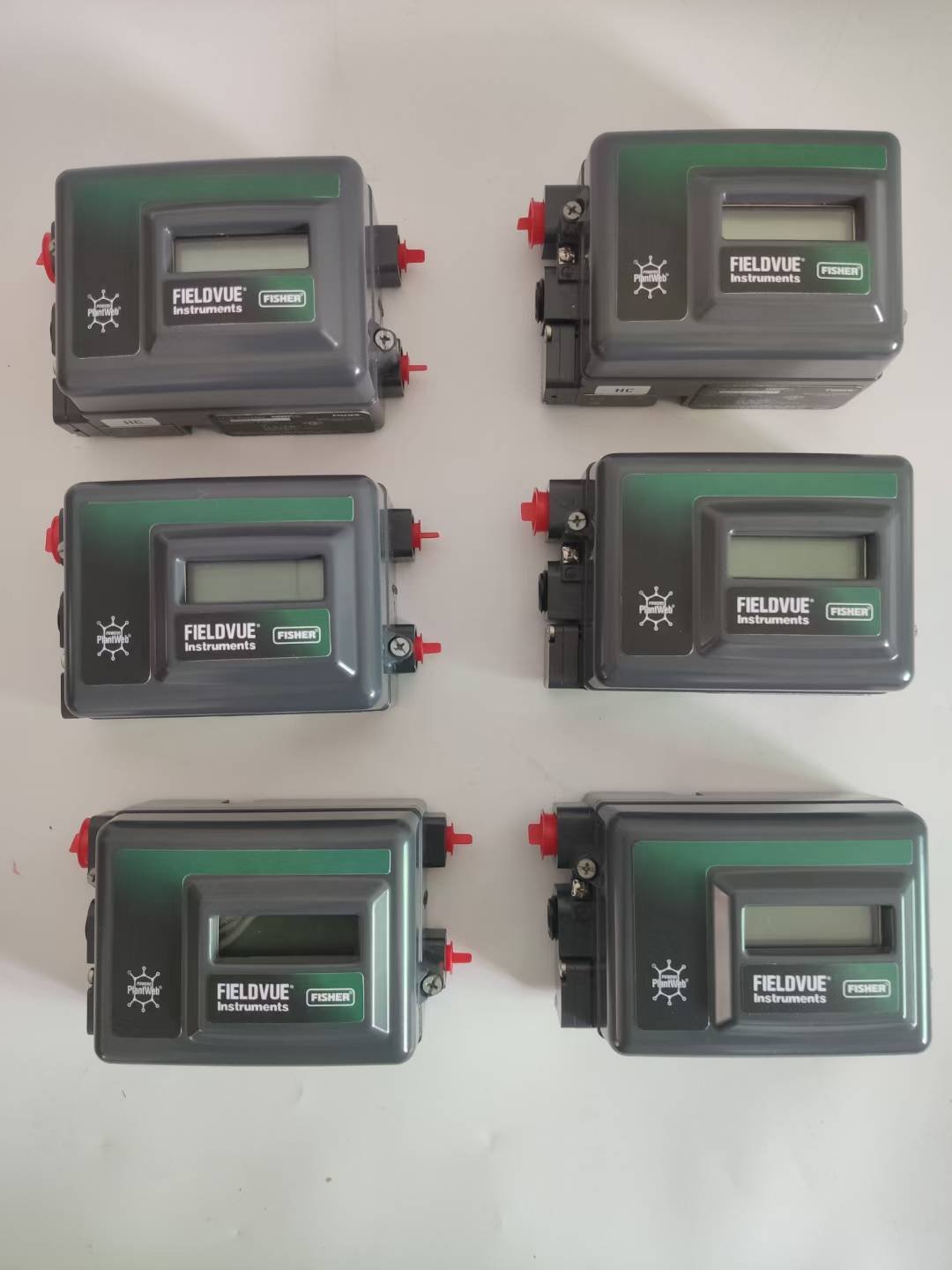
Fisher DVC2000 digital valve positioners feature local LCD display and buttons. View Product
Related Reading
- Fisher DVC6200 Positioner Vibration Failure: Case Study and Root Cause Analysis
- Fisher FIELDVUE 4400 Smart Position Transmitter: Technical Whitepaper
- Control Valve Accessories Guide: Positioners, Filter Regulators & More
- Fisher Valve Selection Guide: Complete Technical Handbook
- Fisher 67CFR Series Filter Regulators: Technical Specifications
Technical Support
For complex feedback signal issues or applications requiring advanced diagnostics, contact our application engineers:
Email: sales@yunrui-controls.com
WhatsApp: +86 18710784030
Stock: Genuine Fisher DVC6200, DVC2000, spares, and accessories available